How to use VPN on mobile
Introduction
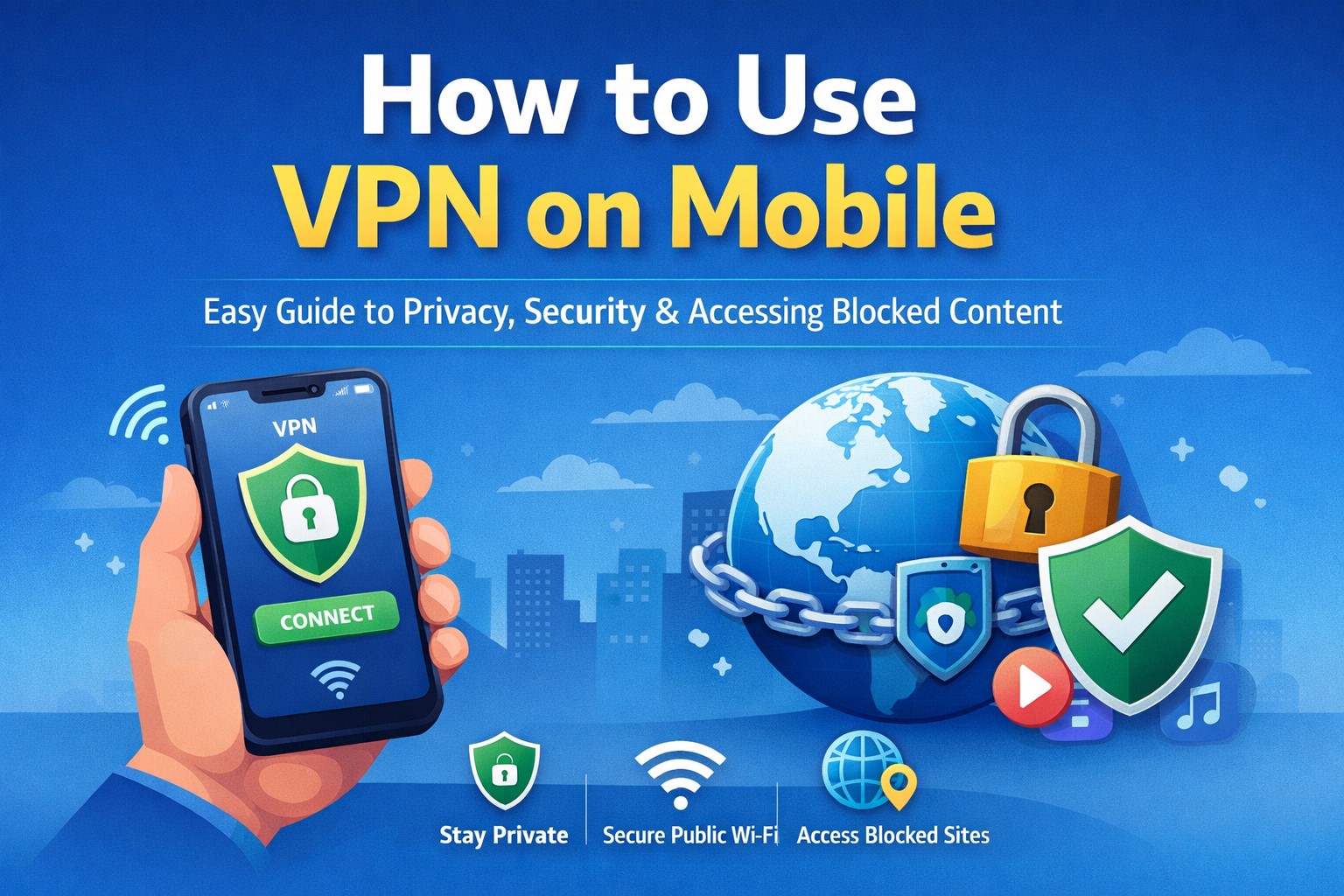
In today’s fast-moving digital world, smartphones have become an essential part of our everyday lives, allowing us to browse the internet, communicate with others, manage finances, and access countless online services with ease. However, as our dependence on mobile devices increases, so do the risks associated with online privacy, data theft, and cyber threats. Many users are unaware that their internet activity can be tracked by internet service providers, hackers, and even certain applications. This is where a Virtual Private Network, commonly known as a VPN, plays a crucial role in protecting your online presence. A VPN not only secures your data but also helps you access restricted content and maintain anonymity while browsing. Understanding how to use a VPN on mobile is therefore an important step toward ensuring a safer and more private internet experience.
Table of Contents
What is a VPN and How Does It Work
A VPN, or Virtual Private Network, is a technology that creates a secure and encrypted connection between your mobile device and the internet, ensuring that your data remains protected from unauthorized access. When you connect to a VPN, your internet traffic is routed through a remote server operated by the VPN provider, which hides your actual IP address and replaces it with one from a different location. This process makes it appear as though you are browsing from another region or country, allowing you to bypass geographical restrictions. At the same time, the encryption ensures that any data you send or receive is unreadable to hackers, making it especially useful when using public WiFi networks. Essentially, a VPN acts as a protective tunnel that safeguards your online activities and enhances your digital privacy.
Why You Should Use a VPN on Mobile
Using a VPN on your mobile device offers several important benefits that go beyond just privacy protection, making it a valuable tool for everyday internet users. One of the primary advantages is enhanced security, as a VPN encrypts your data and protects sensitive information such as passwords, banking details, and personal messages from potential cyber threats. Another significant benefit is the ability to access restricted or geo-blocked content, which allows you to explore websites, streaming services, and apps that may not be available in your region. Additionally, a VPN helps reduce online tracking by advertisers and third parties, giving you a more private browsing experience. It is also particularly useful when connecting to public WiFi networks, which are often vulnerable to hacking attempts, as the VPN ensures your connection remains secure.
How to Use VPN on Mobile Using an App
Using a VPN app is the simplest and most convenient way to set up a VPN on your mobile device, especially for beginners who may not be familiar with technical configurations. To get started, you need to download a reliable VPN application from the Google Play Store if you are using an Android device or from the App Store if you are using an iPhone. Once the application is installed, you can open it and create an account or log in if required, depending on the provider. After signing in, most VPN apps provide a clear and user-friendly interface with a “Connect” button that allows you to establish a secure connection instantly. In many cases, the app will automatically choose the best server for you, but you also have the option to manually select a server from a specific country if you want to access region-specific content. When you tap the connect button for the first time, your device will ask for permission to set up a VPN connection, which you must allow for the app to function properly. Once connected, your internet traffic is secured, and you can browse the web with improved privacy and protection.
How to Manually Set Up a VPN on Mobile
For users who prefer more control or need to connect to a specific VPN service provided by an organization, manual setup is another available option that can be configured directly through the mobile device settings. On an Android device, you can navigate to the Settings menu, then go to Network and Internet, and select the VPN option where you can add a new VPN configuration by entering details such as the server address, username, password, and protocol type. On an iPhone, the process is similar, as you need to go to Settings, then General, and select VPN and Device Management, where you can add a VPN configuration by filling in the required information. This method requires accurate details from your VPN provider, and while it may seem slightly complex for beginners, it is a useful option for those who need a customized setup or are using a corporate VPN.
Types of VPN Protocols Used in Mobile Devices
When setting up a VPN, especially manually, you may come across different types of protocols that determine how your data is transmitted and secured. PPTP is one of the oldest protocols and is known for its speed, but it offers lower security compared to modern standards, making it less suitable for sensitive activities. L2TP combined with IPSec provides better security than PPTP and is commonly used for its reliability, although it may result in slightly slower speeds. OpenVPN is widely regarded as one of the most secure protocols available, offering strong encryption and flexibility, which makes it a popular choice among advanced users. IKEv2/IPSec is another modern protocol that is particularly well-suited for mobile devices because of its ability to quickly reconnect when switching between networks, such as from WiFi to mobile data, ensuring a stable and secure connection.
Free vs Paid VPN on Mobile
Choosing between a free and a paid VPN is an important decision that can significantly impact your experience and level of security while using a VPN on your mobile device. Free VPN services are appealing because they do not require any payment, making them accessible to everyone, but they often come with limitations such as slower speeds, restricted server options, and potential data logging practices that may compromise your privacy. On the other hand, paid VPN services offer a more reliable and secure experience, with faster connection speeds, a wider range of server locations, advanced security features, and strict no-log policies that ensure your data is not stored or shared. While paid VPNs require a subscription, they are generally a better choice for users who prioritize privacy, performance, and overall reliability.
How to Choose the Best VPN for Mobile
Selecting the right VPN for your mobile device involves considering several important factors that determine its effectiveness and usability. Security should be your top priority, so it is essential to choose a VPN that offers strong encryption, a no-log policy, and additional features such as a kill switch that disconnects your internet if the VPN connection drops. Speed is another critical factor, as a slow VPN can negatively affect your browsing, streaming, and downloading experience. The number of server locations available is also important, as it allows you to access content from different regions with ease. Additionally, the user interface should be simple and intuitive, especially if you are a beginner, and reliable customer support can be helpful in resolving any issues that may arise during use.
Common Mistakes to Avoid While Using VPN on Mobile
While using a VPN is generally straightforward, there are several common mistakes that users should avoid to ensure a smooth and secure experience. One of the most frequent mistakes is relying on untrusted free VPN services that may compromise your data instead of protecting it. Another issue is forgetting to check whether the VPN is actually connected before browsing, which can leave your data exposed. Some users also select servers that are too far from their location, resulting in slower internet speeds, while others ignore app permissions that are necessary for the VPN to function properly. By being aware of these mistakes and taking simple precautions, you can maximize the benefits of using a VPN on your mobile device.
Tips to Improve VPN Performance on Mobile
To get the best performance from your VPN, it is important to follow certain best practices that can enhance both speed and reliability. Choosing a server that is geographically closer to your location can significantly improve connection speed, as it reduces latency and data travel time. Keeping your VPN application updated ensures that you have access to the latest security features and performance improvements. It is also advisable to use a stable internet connection, as a weak or unstable network can affect the performance of the VPN. Additionally, turning off the VPN when it is not needed can help conserve battery life and improve overall device performance.
Is Using a VPN Legal
The legality of using a VPN varies depending on the country you are in, but in most parts of the world, including India, using a VPN is completely legal for personal and professional purposes. However, it is important to understand that while using a VPN itself is legal, engaging in illegal activities through a VPN is not permitted and can lead to serious consequences. Therefore, it is always recommended to use VPN services responsibly and in accordance with local laws and regulations.
Advantages and Disadvantages of Using VPN on Mobile
Using a VPN on mobile devices offers numerous advantages, including enhanced privacy, secure internet connections, and the ability to access global content without restrictions. It also provides protection against cyber threats, especially when using public WiFi networks. However, there are some disadvantages to consider, such as a slight reduction in internet speed due to encryption, potential compatibility issues with certain apps or services, and the need to trust the VPN provider with your data. Despite these drawbacks, the benefits of using a VPN generally outweigh the disadvantages for most users.
When Should You Use a VPN on Mobile
There are several situations in which using a VPN on your mobile device becomes particularly important, such as when you are connected to public WiFi networks in cafes, airports, or hotels, where security risks are higher. It is also useful when accessing sensitive information, such as online banking or personal accounts, as it adds an extra layer of protection. Additionally, a VPN is beneficial when you want to bypass geographic restrictions and access content that is not available in your region, or when you simply want to maintain your privacy while browsing the internet.
Conclusion
Using a VPN on your mobile device is one of the most effective ways to enhance your online security, protect your personal data, and enjoy unrestricted access to the internet. With easy-to-use VPN apps and straightforward manual setup options, anyone can start using a VPN without needing advanced technical knowledge. By choosing a reliable VPN provider and following best practices, you can ensure a safe and seamless browsing experience on your mobile device. As digital threats continue to evolve, adopting tools like VPNs is no longer just an option but a necessity for maintaining privacy and security in the modern online world.
FAQs
What is the easiest way to use a VPN on mobile
The easiest way to use a VPN on mobile is by downloading a trusted VPN app from the app store, signing in, and tapping the connect button to secure your internet connection instantly.
Can I use a VPN on mobile without an app
Yes, you can manually configure a VPN through your device settings, but this method requires technical details from a VPN provider and is more suitable for advanced users.
Does a VPN drain battery on mobile
Yes, using a VPN can slightly increase battery usage because it continuously encrypts and transmits data, but the impact is usually minimal with modern apps.
Will a VPN affect internet speed
A VPN may reduce your internet speed slightly due to encryption, but high-quality VPN services minimize this impact and provide fast connections.
Is it safe to use free VPN apps
Some free VPN apps are safe, but many may compromise your privacy, so it is important to choose a trusted provider with good reviews.
Can I use VPN for streaming on mobile
Yes, a VPN can help you access streaming content from different regions, allowing you to watch shows and movies that may not be available in your country.
Read More: Kongotech Org: A Complete Guide to Technology and Innovation
About the Author