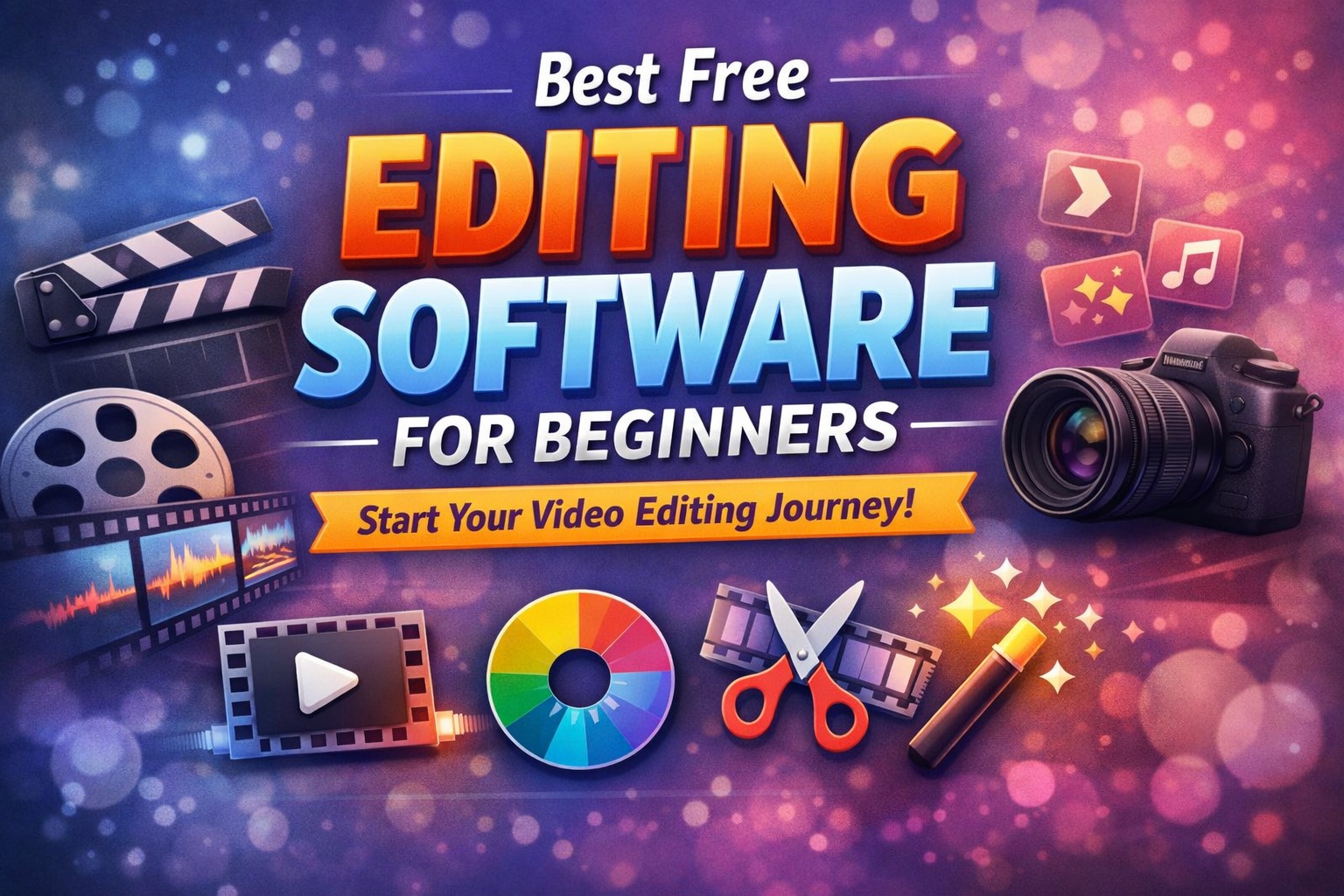
Best free editing software for beginners
Introduction to Video Editing for Beginners
In today’s fast-growing digital era, video content has become one of the most powerful ways to communicate, share ideas, and build an online presence. From YouTube videos and Instagram reels to educational tutorials and personal vlogs, video editing plays a crucial role in making content attractive and engaging. For beginners, getting started might feel confusing because of the wide range of software available in the market. However, the good news is that there are many free editing tools that are easy to learn and powerful enough to create high-quality videos without any investment. This guide will help you understand the best free editing software for beginners, how they work, and how you can choose the right one based on your needs.
Table of Contents
What is Video Editing Software
Video editing software is a digital tool that allows you to modify raw video footage and turn it into a polished final product. It enables you to cut unwanted parts, trim clips, add transitions, insert background music, include text overlays, and apply visual effects to enhance the overall quality of your video. For beginners, the ideal software should offer a simple interface along with essential tools that make editing easy without overwhelming the user. A good beginner-friendly editor balances simplicity and functionality so that users can learn quickly while still having enough features to grow their skills over time.
Why Beginners Should Choose Free Editing Software
Starting with free editing software is a smart and practical decision, especially if you are new to video editing. It allows you to explore and learn without any financial risk, which is important when you are still figuring out your interests and style. Many free tools today come with advanced features like color correction, transitions, filters, and even AI-based tools that were once available only in paid software. By using free software, beginners can build confidence, experiment with different techniques, and gradually move to more advanced tools when they feel ready. This step-by-step approach makes learning smoother and more enjoyable.
Important Features to Look for in Beginner Editing Software
Easy-to-Use Interface
A clean and simple interface is one of the most important features for beginners because it reduces confusion and helps users focus on learning the basics of editing. Drag-and-drop functionality, clear timelines, and organized menus make the editing process more intuitive and less stressful.
Basic Editing Tools
Every beginner needs access to essential tools such as cutting, trimming, splitting, and merging video clips. These basic functions form the foundation of video editing and should be easy to access and use within the software.
Effects and Transitions
Pre-built effects, filters, and transitions can significantly improve the visual appeal of a video. For beginners, having ready-made options helps create professional-looking videos without requiring advanced skills or technical knowledge.
High-Quality Export Options
The ability to export videos in high resolution, such as 1080p or even 4K, is important for maintaining quality, especially when uploading content to platforms like YouTube or social media.
No Watermark
Many free tools add watermarks to exported videos, which can reduce professionalism. Choosing software that offers watermark-free exports ensures your content looks clean and professional.
Best Free Editing Software for Beginners
DaVinci Resolve
DaVinci Resolve is one of the most powerful free video editing tools available today and is widely used in professional filmmaking and content creation. It offers a complete editing suite that includes advanced color grading, visual effects, motion graphics, and professional audio editing tools. While it may feel slightly complex at the beginning, it provides unmatched capabilities for those who want to learn serious video editing and eventually move into professional work. With consistent practice, beginners can master this software and produce high-quality cinematic videos that stand out.
CapCut
CapCut is one of the most beginner-friendly editing tools, especially popular among social media creators who focus on short-form content like reels and shorts. Its simple and intuitive interface allows users to edit videos quickly using drag-and-drop features. It also includes ready-made templates, automatic captions, trending effects, and filters that make the editing process fast and creative. This makes CapCut an excellent choice for beginners who want instant results without spending too much time learning complex tools.
Shotcut
Shotcut is a free and open-source video editing software that supports a wide range of formats and provides powerful editing features. It is especially suitable for users who have low-end computers, as it runs smoothly without requiring high system specifications. Although its interface may look slightly outdated compared to modern tools, it offers solid performance and reliability. Beginners who are willing to spend a little time understanding its layout can use Shotcut effectively for both simple and moderately advanced projects.
Clipchamp
Clipchamp is a user-friendly video editor that is integrated with modern Windows systems and also works in web browsers. It offers a simple editing experience with basic tools, templates, and stock media that help users create videos quickly. Its cloud-based nature makes it convenient for users who prefer not to install heavy software on their devices. Beginners can easily create presentations, social media content, and short videos without needing advanced editing skills.
OpenShot
OpenShot is another open-source video editor designed with simplicity in mind, making it ideal for beginners who want a straightforward editing experience. It offers drag-and-drop functionality, basic transitions, and essential editing tools that are easy to understand. While it may struggle with large or complex projects, it is perfectly suitable for small tasks and learning the basics of video editing.
iMovie
iMovie is a great option for users who are part of the Apple ecosystem, offering a clean and polished interface that is easy to navigate. It includes pre-built templates, cinematic transitions, and basic editing tools that allow beginners to create visually appealing videos with minimal effort. Its smooth performance on Mac devices makes it a reliable choice for users who want a hassle-free editing experience.
Canva Video Editor
Canva Video Editor is an online tool that combines simplicity with creativity, allowing users to edit videos directly in their browser. It offers a wide range of templates, animations, and design elements that make it perfect for creating social media content, presentations, and marketing videos. Beginners can easily drag and drop elements to build engaging videos without needing technical knowledge.
VideoProc Vlogger
VideoProc Vlogger is designed to provide smooth editing performance even on low-end systems, making it accessible to a wide range of users. It offers basic editing tools along with motion effects and speed control features that are useful for vlog-style content. Beginners can enjoy a lag-free editing experience while learning essential techniques and improving their skills.
How to Choose the Right Editing Software
Choosing the right editing software depends on your goals, device, and level of experience. If you are completely new and want a simple tool, CapCut or Canva is a great starting point. If you are interested in building a long-term career in video editing, DaVinci Resolve is a better choice despite its learning curve. Users with low-end computers should consider lightweight options like Shotcut or VideoProc Vlogger, while Mac users can rely on iMovie for smooth and efficient performance. Understanding your needs will help you select the most suitable software and avoid unnecessary confusion.
Tips for Beginners to Improve Video Editing Skills
Start with Simple Projects
Beginners should begin with small and simple projects such as trimming clips, adding music, and creating short videos. This helps build confidence and understanding of basic tools without feeling overwhelmed.
Practice Regularly
Consistency is key to improving editing skills. Regular practice allows you to explore different features and develop your own editing style over time.
Learn from Tutorials
Watching tutorials and following step-by-step guides can significantly speed up the learning process. Many free resources are available that explain editing techniques in a simple and practical way.
Avoid Overusing Effects
Using too many effects and transitions can make videos look cluttered and unprofessional. It is better to keep edits clean and natural, focusing on storytelling and clarity.
Common Mistakes Beginners Should Avoid
One of the most common mistakes beginners make is choosing overly complex software right from the start, which can lead to frustration and confusion. Another mistake is neglecting audio quality, as clear sound is just as important as good visuals. Beginners also tend to rush through projects without proper planning, which can affect the final result. Taking time to plan, edit carefully, and review your work can make a significant difference in video quality.
Conclusion
Free editing software has made it easier than ever for beginners to start their journey in video editing without any financial investment. With so many options available, users can choose tools that match their needs and skill levels while gradually improving their abilities. Whether you prefer a simple editor like CapCut or a powerful tool like DaVinci Resolve, the key to success lies in practice, creativity, and consistency. By starting with the right software and focusing on learning step by step, anyone can become a skilled video editor and create content that stands out.
FAQs
Which is the best free editing software for beginners
CapCut is considered the easiest for beginners due to its simple interface, while DaVinci Resolve is ideal for those who want advanced features and professional growth.
Can I use free editing software for YouTube videos
Yes, many free editing tools support high-quality exports and are widely used by content creators to produce professional YouTube videos.
Do free editing tools add watermarks
Not all free tools add watermarks, as some software like DaVinci Resolve and Shotcut offer clean exports without any branding.
Which editing software is best for low-end PCs
Shotcut and VideoProc Vlogger are excellent choices for low-end systems because they are lightweight and run smoothly without requiring powerful hardware.
Is it difficult to learn video editing
Video editing may seem difficult at first, but with regular practice and the right software, beginners can learn quickly and improve their skills over time.
Which software is best for mobile video editing
CapCut is one of the best mobile editing apps for beginners, offering simple tools and powerful features for creating engaging videos easily.
Read More: Best Antivirus Software Free: A Complete and Detailed Guide for Safe and Secure Devices
About the Author