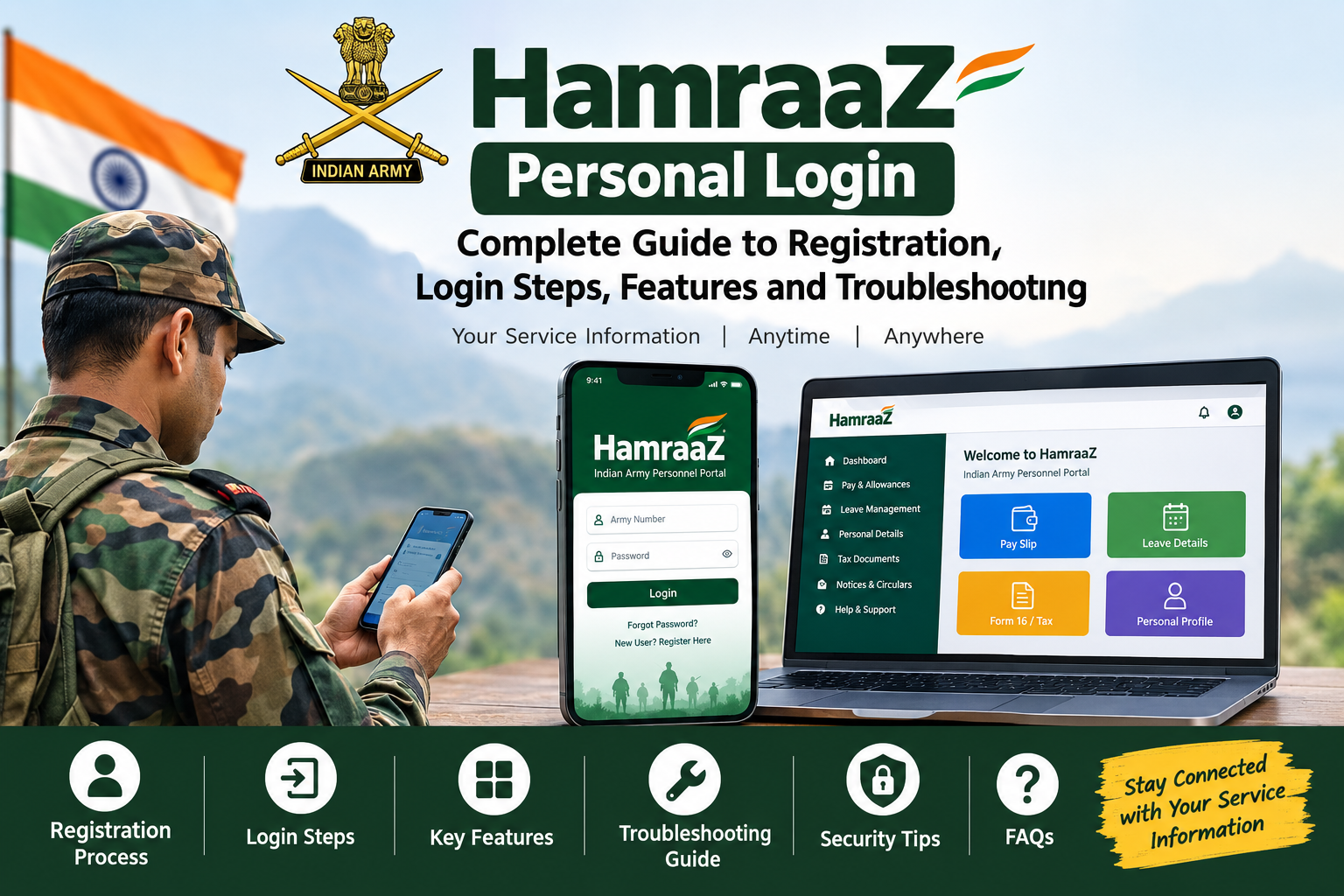
hamraaz personal login
HamraaZ is one of the most useful digital tools built for the Indian Army community. It gives serving personnel a single place to view pay details, apply for leave, download tax documents and keep track of their service information. This guide covers the HamraaZ personal login in detail: what it is, who can use it, how to register, how to log in, what you can do after logging in, and how to fix common problems.
Note that the app and portal are updated from time to time, so screens and steps may change slightly. Follow your unit’s instructions and the official Army channels for the latest information.
Table of Contents
What Is HamraaZ?
HamraaZ is a mobile application and web-based portal developed for the Indian Army. Its purpose is to reduce paperwork, save time and put important personal and service information directly in the hands of the individual soldier.
Before apps like this, personnel often had to depend on the unit office, the pay accounts office or physical documents to get basic information. HamraaZ makes many of these services available on a smartphone, whether you are posted at a peace station, a field area or a remote location.
Why HamraaZ Was Introduced
The main goals behind the platform are:
- To provide transparency in pay and allowances
- To reduce dependency on manual paperwork
- To give personnel quick access to their own records
- To speed up communication between Army HQ, units and individual soldiers
- To make routine services like leave and pay slip access easier
Who Can Use HamraaZ?
HamraaZ is meant for authorized Army personnel. This generally includes officers, Junior Commissioned Officers (JCOs) and other ranks. Access depends on your details being correctly recorded in the Army’s personnel database, especially your Army number and registered mobile number.
What Is HamraaZ Personal Login?
The HamraaZ personal login is your individual, secure account on the app or portal. It is linked to your Army number and your registered mobile number. When you log in, you see only your own details, such as your pay slip, leave record and personal information.
Why Personal Login Matters
Because the account holds sensitive information about your pay, service and identity, the login is protected by credentials that only you should know. That is why the system uses a password and an OTP (One Time Password) sent to your registered mobile number.
Personal Login vs. Unit-Level Access
Some users, such as unit clerks or admin staff, may have different access related to unit work. The personal login is for an individual’s own records and services. Always use your own login and never log in using someone else’s credentials.
HamraaZ Personal Login Details at a Glance
The table below summarises the key details related to HamraaZ personal login.
| Item | Details |
|---|---|
| Platform | Mobile app (Android and iOS) and web portal |
| Developed for | Indian Army serving personnel |
| Who can log in | Officers, JCOs and other ranks with valid records |
| Login ID | Army/service number |
| Authentication | Password and/or OTP sent to registered mobile number |
| Mandatory requirement | Mobile number registered in service records |
| First-time users | Need to register or activate their account first |
| Forgot password | Use the “Forgot Password” option and verify with OTP |
| Main services | Pay slip, Form 16, leave, personal details, notices |
| Support | Unit admin section, records office, HamraaZ helpdesk |
| Cost | Free for authorized personnel |
| Best practice | Download only from official app stores; never share OTP |
Requirements Before You Log In
Having the following ready will make your first login much smoother.
Your Army Number
Your Army/service number is your primary identity on the platform. Enter it exactly as it appears in your records, including any prefix or suffix letters.
Registered Mobile Number
The mobile number used for registration must match the number recorded in your service records. OTPs are sent only to this number. If your number has changed, get it updated through your unit before trying to register.
A Smartphone or Computer with Internet
You can use the mobile app or the web portal. A stable internet connection is needed, since OTPs and data load online.
Updated App Version
If you use the mobile app, keep it updated. Older versions can show errors or fail to load some services.
How to Register on HamraaZ (First-Time Users)
If you are using HamraaZ for the first time, you usually have to register or activate your account. The general process is as follows.
Step 1: Download the Official App
Open the Google Play Store (Android) or the Apple App Store (iOS) and search for HamraaZ. Make sure you install the genuine app published for the Indian Army. Avoid APK files sent through WhatsApp or unknown websites, as they can be fake and unsafe.
Step 2: Open the App and Choose Registration
On the first screen, look for the option to register or create a new account. Tap it to begin.
Step 3: Enter Your Army Number
Type your Army number carefully. The system checks it against its records.
Step 4: Enter Your Registered Mobile Number
Enter the mobile number that is registered in your service records. If the number does not match, registration will not go through.
Step 5: Verify with OTP
You will receive an OTP by SMS on your registered number. Enter it in the app within the time limit. Do not share this OTP with anyone.
Step 6: Set Your Password
Create a strong password that you can remember but others cannot guess. A good password mixes uppercase letters, lowercase letters, numbers and symbols. Avoid using your date of birth, Army number or mobile number.
Step 7: Complete Registration
After setting your password, the system confirms your registration. You can now use your Army number and password to log in.
How to Do HamraaZ Personal Login (Step-by-Step)
Once you are registered, logging in is simple.
Login on the Mobile App
- Open the HamraaZ app on your phone.
- Enter your Army number in the login field.
- Enter your password.
- If asked, enter the OTP sent to your registered mobile number.
- Tap Login to reach your dashboard.
Login on the Web Portal
- Open the official HamraaZ portal in your browser. Use only the link given by official Army sources.
- Enter your Army number and password.
- Complete the OTP verification if prompted.
- Access your dashboard and services.
Login Steps Summary Table
| Step | Action | Notes |
|---|---|---|
| 1 | Open the app or official portal | Use only official sources |
| 2 | Enter Army number | Type exactly as in records |
| 3 | Enter password | Case-sensitive |
| 4 | Verify OTP (if asked) | Sent to registered mobile |
| 5 | Tap Login | Dashboard opens |
Services Available After HamraaZ Personal Login
After a successful login, you get access to a range of services. The exact list may vary with updates, but the following are commonly available.
Pay Slip Access
You can view and download your monthly pay slip. This shows your basic pay, allowances and deductions, helping you understand your salary breakup and check for errors.
Form 16 and Income Tax Details
Tax-related documents such as Form 16 can be downloaded, which is useful at the time of filing income tax returns. You can also view tax deductions made during the year.
Leave Management
You can check your leave balance, view the status of leave applications and keep track of leave taken. This helps you plan your time away from duty.
Personal and Service Details
Your basic personal and service information is available for viewing, and some details can be updated through the proper channels. Always verify that your records, such as name, date of birth and family details, are correct.
Notices and Circulars
Important announcements from Army HQ and your unit may be posted so you do not miss official updates.
Other Personnel Services
Depending on the version and your category, additional services related to personnel administration may be offered. Check the app menu for the current list.
Services Overview Table
| Service | What It Offers | Why It Helps |
|---|---|---|
| Pay slip | Monthly salary details | Check pay and deductions |
| Form 16 / tax details | Tax documents | Easy ITR filing |
| Leave | Balance and status | Better leave planning |
| Personal details | Service and personal records | Spot and correct errors |
| Notices | Official announcements | Stay informed |
Benefits of Using HamraaZ
Saves Time
Instead of waiting for documents from an office, you can get most information in minutes from your phone.
Works Anywhere
As long as you have internet, you can access your account from any location.
Greater Transparency
Seeing your pay slip and deductions clearly helps you understand your entitlements and notice mistakes early.
Reduced Paperwork
Digital access means fewer physical forms and a smaller chance of documents being lost.
Better Record Awareness
Regularly checking your details lets you catch inaccurate information early, before it causes problems with pay or other benefits.
Common HamraaZ Login Problems and Solutions
Many users face small issues while logging in. Most can be fixed easily.
Problem 1: OTP Not Received
Possible causes: Weak network, wrong registered number, or DND settings on your SIM.
What to do:
- Check your signal and wait a minute before requesting again.
- Confirm that the number you are using is the one registered in your records.
- If your number is different from the one on record, ask your unit admin section to update it.
Problem 2: Invalid Army Number
Possible causes: Typing mistakes or missing prefix and suffix letters.
What to do:
- Re-enter your Army number carefully.
- Check your identity card or pay slip for the exact format.
Problem 3: Forgot Password
What to do:
- Tap “Forgot Password” on the login screen.
- Verify yourself using the OTP sent to your registered number.
- Set a new password.
- If it still fails, contact your unit or the HamraaZ helpdesk.
Problem 4: Account Locked After Wrong Attempts
Too many wrong password attempts can temporarily lock an account for security. Wait for some time and try again, or use the password reset option.
Problem 5: App Not Opening or Crashing
What to do:
- Update the app to the latest version.
- Clear the app cache or restart your phone.
- Uninstall and reinstall the app from the official store if needed.
Problem 6: Mobile Number Mismatch
If the number you entered does not match the records, registration will fail. Your unit clerk or records office must update your mobile number in the system first.
Troubleshooting Table
| Problem | Likely Cause | Quick Fix |
|---|---|---|
| OTP not received | Network issue, wrong number | Check signal, confirm registered number |
| Invalid Army number | Typing error | Re-enter exactly as in records |
| Forgot password | Password not remembered | Use Forgot Password and OTP |
| Account locked | Multiple wrong attempts | Wait, then reset password |
| App crash | Old version or cache issue | Update, clear cache, reinstall |
| Number mismatch | Records not updated | Get number updated via unit |
Security Tips for HamraaZ Users
Because HamraaZ holds sensitive personal and financial information, security is very important.
Never Share Your OTP or Password
No genuine official will ask for your OTP or password over a call, SMS or message. Treat anyone who asks as a possible fraudster.
Use a Strong, Unique Password
Do not reuse passwords from other apps or websites. Change your password periodically.
Download Only from Official Sources
Install the app only from the Google Play Store or Apple App Store. Avoid third-party APK files.
Beware of Phishing Links
Fake websites and messages may imitate official portals. Do not click suspicious links, and access the portal only through channels shared by official Army sources.
Log Out on Shared Devices
If you ever use a shared computer or someone else’s phone, always log out and avoid saving your password in the browser.
Keep Your Phone Secure
Use a screen lock, keep your phone’s software updated and avoid installing unknown apps.
Report Suspicious Activity
If you notice unauthorized access or strange activity on your account, report it to your unit and the helpdesk immediately.
Tips for Getting the Most Out of HamraaZ
Check Your Pay Slip Every Month
Make it a habit to review each pay slip. If something looks wrong, raise it with your unit early rather than waiting.
Keep Your Mobile Number Updated
Your registered number is the key to OTP access. If you change your number, update it officially before you lose access to the old one.
Save Important Documents
Download and keep copies of Form 16 and other documents in a safe place, either on your device or in secure cloud storage.
Verify Personal Details Regularly
Review your personal and service details from time to time. Small errors in a name, date or family detail can create bigger problems later, so get them corrected early.
Stay Updated with Notices
Check the notices section periodically so you do not miss important announcements.
Frequently Asked Questions (FAQs)
Is HamraaZ free to use?
Yes, it is provided free of cost to authorized personnel.
Can anyone create a HamraaZ account?
No. It is intended for authorized Indian Army personnel whose details are present in the official records.
What do I need to log in?
Typically your Army number and password, along with OTP verification on your registered mobile number where required.
What if my mobile number has changed?
Get it updated through your unit admin section or records office. Without a matching registered number, you may not be able to register or receive OTPs.
What should I do if I forget my password?
Use the “Forgot Password” option on the login screen and verify with an OTP. If that does not work, contact your unit or the helpdesk.
Can I use HamraaZ on both phone and computer?
Yes, there is a mobile app as well as a web portal, though available features can vary.
Is it safe to use HamraaZ?
It is designed with security measures, but safety also depends on you. Keep your credentials private, use official sources and avoid suspicious links.
Who can help if I have trouble logging in?
Start with your unit clerk or admin section. If the issue continues, the HamraaZ helpdesk and records office can assist.
Final Thoughts
The HamraaZ personal login gives Army personnel a fast, convenient and secure way to manage their own information. From viewing pay slips and downloading tax documents to checking leave and personal details, it removes many of the delays that used to come with paperwork.
To use it smoothly, make sure your Army number and registered mobile number are correct, install the app only from official stores, choose a strong password and never share your OTP. If you run into problems, most can be solved by checking your details, updating the app or contacting your unit.
Used regularly and responsibly, HamraaZ can save time and give you clearer control over your service and pay information.
About the Author