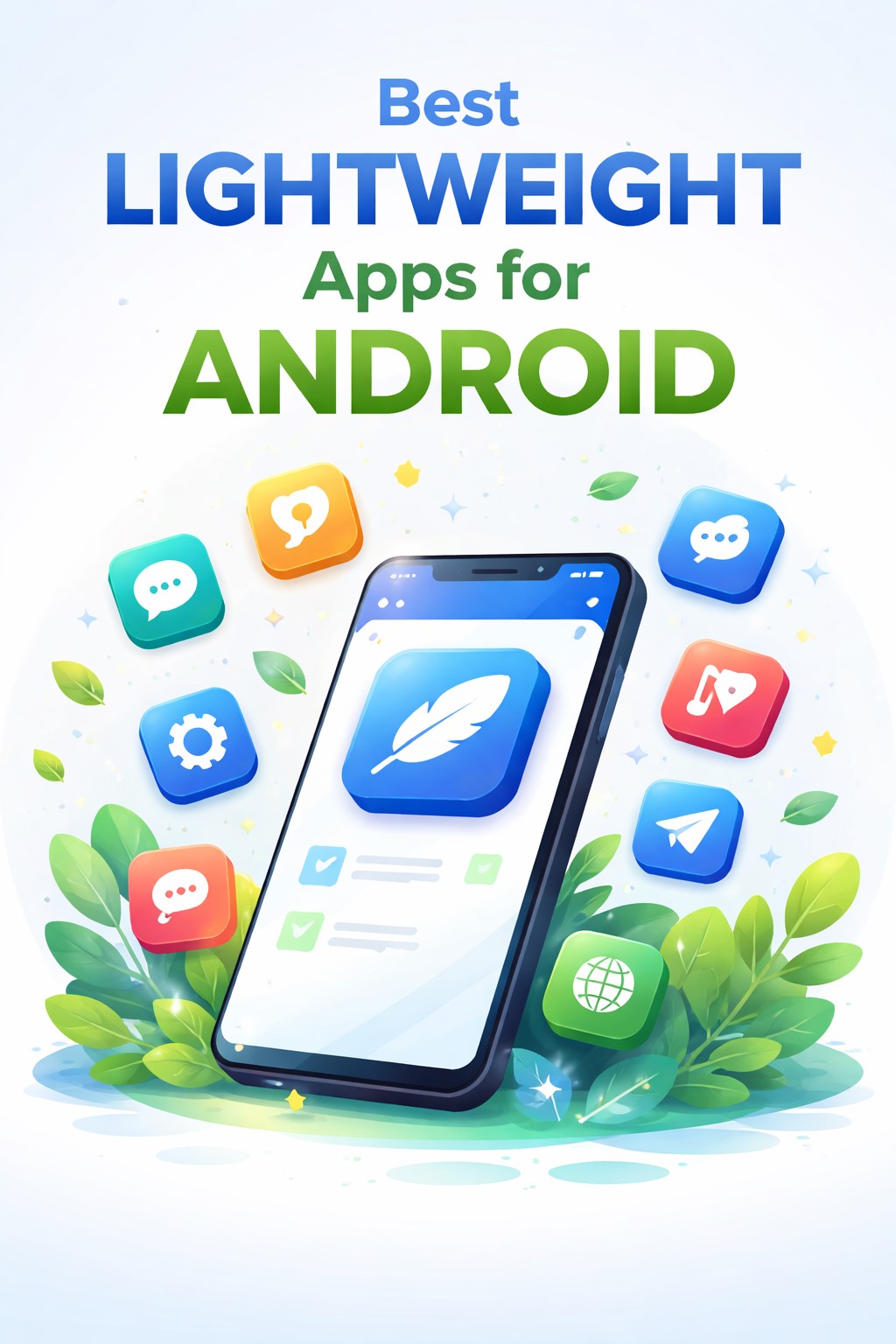
Best lightweight apps for Android
In today’s digital age, smartphones have become an essential part of everyday life, enabling communication, entertainment, productivity, and access to information at our fingertips. However, not everyone owns a high-end Android device with abundant storage and powerful processing capabilities. Many users rely on budget or older smartphones that may struggle to handle heavy applications, leading to slow performance, frequent crashes, and limited storage space. This is where lightweight apps for Android come into play. These apps are specifically designed to provide essential functionality while consuming minimal system resources, ensuring a smooth and efficient user experience. By eliminating unnecessary features, reducing background activity, and optimizing data usage, lightweight apps allow users to enjoy their favorite services without compromising device performance or battery life.
Table of Contents
What Are Lightweight Apps for Android?
Lightweight apps, often referred to as “Lite apps,” are simplified versions of standard Android applications that are optimized for efficiency and speed. These apps are built to occupy less storage space, consume minimal RAM and CPU resources, and function effectively even on slower internet connections. Developers focus on delivering the core features that users need most while removing heavy graphics, complex animations, and redundant functionalities. As a result, lightweight apps are ideal for users with entry-level smartphones, limited data plans, or those who simply prefer a faster and more streamlined mobile experience. In many cases, these apps are also designed to work seamlessly in regions with inconsistent network connectivity, making them accessible to a broader audience worldwide.
Why Should You Use Lightweight Apps?
Faster Performance
One of the primary advantages of lightweight apps is their ability to significantly enhance device performance. Heavy applications often run multiple background processes and require substantial system resources, which can slow down a smartphone over time. Lightweight apps, on the other hand, are optimized to operate efficiently, resulting in quicker launch times, smoother navigation, and reduced lag. This improved responsiveness allows users to multitask more effectively and enjoy a seamless mobile experience, even on devices with limited hardware capabilities.
Save Storage Space
Storage constraints are a common issue for many Android users, especially those with budget devices that offer limited internal memory. Lightweight apps typically occupy only a fraction of the space required by their full-featured counterparts, often ranging from just a few megabytes to around 15 MB. This reduction in size enables users to install more applications, store additional photos and videos, and maintain overall device efficiency without constantly worrying about running out of space.
Lower Data Consumption
Another significant benefit of lightweight apps is their ability to minimize data usage. These apps are engineered to function efficiently on slower networks such as 2G and 3G, making them particularly valuable for users in areas with limited connectivity or expensive data plans. By compressing images, limiting background synchronization, and offering data-saving modes, lightweight apps help users stay connected while keeping their mobile data consumption under control.
Better Battery Life
Battery performance is a crucial consideration for smartphone users, and lightweight apps contribute positively in this regard. Since they require fewer system resources and limit background activities, these apps consume less power, thereby extending battery life. This is especially beneficial for individuals who rely heavily on their smartphones throughout the day and may not always have access to charging facilities.
Ideal for Budget and Older Devices
Lightweight apps are specifically designed to cater to the needs of users with budget or older Android devices. By prioritizing essential functionality and optimizing performance, these apps ensure that even smartphones with 1GB or 2GB of RAM can operate smoothly. This inclusivity allows a wider range of users to access modern digital services without the need to invest in expensive hardware upgrades.
Best Lightweight Apps for Android
Social Media Lite Apps
Facebook Lite
Facebook Lite is one of the most widely recognized lightweight applications, offering a streamlined version of the traditional Facebook experience. It enables users to browse their news feed, post updates, interact with friends, and receive notifications while consuming minimal storage and data. The app is designed to function efficiently on slow networks and older devices, making it an excellent choice for users seeking a reliable social media platform without the burden of heavy resource usage.
Messenger Lite
Messenger Lite complements Facebook Lite by providing a simple yet effective messaging solution. It focuses on essential communication features such as text messaging, voice calls, and photo sharing, ensuring fast and reliable performance. The app’s minimalistic design reduces battery consumption and allows users to stay connected with friends and family without experiencing lag or delays.
Instagram Lite
Instagram Lite delivers the core features of the popular photo and video-sharing platform in a compact and efficient package. Users can browse posts, watch reels, like and comment on content, and interact with their followers while benefiting from faster loading times and reduced data usage. This makes it an ideal option for individuals who enjoy social media engagement but prefer a smoother and more efficient experience.
X Lite (Twitter Lite)
X Lite, formerly known as Twitter Lite, provides a streamlined interface for accessing real-time news and social conversations. The app emphasizes speed and efficiency, offering features such as push notifications, data-saving modes, and quick content loading. Its lightweight design ensures that users can stay informed and engaged without placing excessive demands on their device’s resources.
Communication and Messaging Apps
Skype Lite
Skype Lite is tailored for users who require reliable voice and video communication while minimizing data consumption. The app supports high-quality calls even on slower networks and includes additional features such as SMS integration and contact management. Its optimized performance makes it particularly useful for individuals in regions with limited connectivity.
Telegram X
Telegram X is an alternative version of the standard Telegram app, designed to offer enhanced speed and efficiency. With its smooth interface and optimized resource usage, Telegram X provides a superior messaging experience while maintaining a lightweight footprint. Users can enjoy features such as secure messaging, media sharing, and group chats without compromising device performance.
Browsers and Internet Apps
Opera Mini
Opera Mini is a highly popular lightweight web browser known for its exceptional data-saving capabilities. By compressing web pages before loading them, the browser significantly reduces data consumption and accelerates browsing speeds. This makes it an excellent choice for users who frequently access the internet on limited data plans or slower networks.
Google Go
Google Go is a simplified version of the Google search app, designed to deliver fast and efficient search results with minimal resource usage. The app supports voice search, quick access to trending topics, and a user-friendly interface, ensuring that users can find information effortlessly even on entry-level devices.
Via Browser
Via Browser is an ultra-lightweight web browser celebrated for its minimalistic design and impressive speed. Despite its small size, the browser offers essential features such as ad blocking, customization options, and smooth navigation, making it a preferred choice for users seeking a fast and distraction-free browsing experience.
Entertainment Apps
Spotify Lite
Spotify Lite provides music enthusiasts with access to a vast library of songs while maintaining a compact and efficient design. The app allows users to control data usage, create playlists, and enjoy seamless music streaming without consuming excessive storage or battery power. This makes it an ideal solution for users who wish to enjoy their favorite tunes on the go.
YouTube Go
YouTube Go is designed to offer an optimized video-watching experience for users with limited data and storage. The app enables users to preview videos before watching, select their preferred video quality, and download content for offline viewing. These features ensure efficient data management and smooth performance across a wide range of devices.
TikTok Lite
TikTok Lite brings the engaging world of short-form videos to users in a lightweight format. The app retains the core entertainment features of the original platform while reducing storage requirements and data consumption. Its optimized performance ensures quick video loading and a seamless browsing experience.
Utility and Productivity Apps
Files by Google
Files by Google is a versatile and lightweight file management application that helps users organize their storage efficiently. In addition to managing files, the app offers features such as storage cleaning, offline file sharing, and smart recommendations for freeing up space. Its intuitive interface and minimal resource usage make it an essential tool for maintaining device efficiency.
Google Maps Go
Google Maps Go provides essential navigation and location-based services in a lightweight format. Designed to function effectively on low-end devices, the app enables users to search for locations, view maps, and access basic navigation features without consuming significant system resources.
Google Keep
Google Keep is a simple yet powerful note-taking application that allows users to create and organize notes, lists, and reminders effortlessly. Its lightweight design ensures quick access and seamless synchronization across devices, making it an excellent choice for enhancing productivity.
Lightweight Launchers
Lite Launcher
Lite Launcher is specifically designed to improve the speed and responsiveness of Android devices by offering a minimalistic home screen experience. With its extremely small size and customizable interface, the launcher enables users to personalize their devices while maintaining optimal performance.
Niagara Launcher
Niagara Launcher stands out for its clean and intuitive design, which prioritizes ease of use and efficiency. By reducing visual clutter and focusing on quick app access, the launcher enhances the overall user experience while consuming minimal system resources.
Open-Source Lightweight Apps
Open-source lightweight apps have gained popularity among users who value privacy, transparency, and efficiency. Applications such as KISS Launcher, Simple Keyboard, NewPipe, Librera Reader, and Musicolet exemplify the benefits of open-source development. These apps are typically ad-free, highly optimized, and regularly updated by dedicated communities, ensuring reliable performance and enhanced user control over data and privacy.
How to Choose the Best Lightweight Apps
Selecting the most suitable lightweight apps involves careful consideration of several factors. Users should evaluate the app’s size, essential features, compatibility with their device, and user reviews to ensure reliability. It is also important to download applications only from trusted sources to avoid security risks. Additionally, exploring Progressive Web Apps can provide similar functionality without requiring installation, further conserving storage space and system resources.
Advantages of Using Lightweight Apps
Lightweight apps offer numerous advantages, including faster device performance, reduced lag, improved battery life, and lower data consumption. They enable users to maximize the potential of their smartphones while maintaining efficiency and reliability. Furthermore, these apps promote digital inclusivity by ensuring that individuals with budget devices can access essential online services.
Limitations of Lightweight Apps
Despite their many benefits, lightweight apps may have certain limitations, such as reduced feature sets, lower media quality, and limited customization options compared to their full-featured counterparts. However, for most users, these trade-offs are minimal and are outweighed by the significant improvements in performance and efficiency.
Tips to Optimize Your Android Phone with Lightweight Apps
To fully leverage the benefits of lightweight apps, users should replace heavy applications with their Lite versions, utilize lightweight launchers, regularly clear cache and unused files, and limit background processes. Installing only essential applications can further enhance device performance and ensure a smoother user experience.
Future of Lightweight Apps
The demand for lightweight applications is expected to grow as smartphone adoption continues to expand globally. Developers are increasingly focusing on creating optimized solutions that cater to users with diverse hardware capabilities and connectivity conditions. This trend will likely lead to the development of even more efficient and feature-rich lightweight apps, ensuring accessibility and inclusivity in the digital ecosystem.
Conclusion
Lightweight apps for Android represent a practical and effective solution for users seeking enhanced performance, efficient storage management, and reduced data consumption. By prioritizing essential functionality and optimizing resource usage, these apps enable smartphones of all specifications to deliver a smooth and reliable user experience. Whether for social media, communication, browsing, entertainment, or productivity, the wide range of lightweight applications available today ensures that every user can find suitable options to meet their needs. Embracing these apps not only improves device efficiency but also extends the lifespan of smartphones, making them an indispensable component of the modern Android ecosystem.
FAQs
What are lightweight apps for Android?
Lightweight apps are optimized versions of standard applications that use less storage, RAM, and data while providing essential features for efficient performance on all types of Android devices.
Are lightweight apps safe to use?
Yes, lightweight apps are safe when downloaded from trusted sources such as official app stores or reputable open-source platforms, ensuring security and reliability.
Do lightweight apps have all the features of regular apps?
Lightweight apps focus on core functionalities and may not include some advanced features found in full versions, but they provide a smoother and more efficient user experience.
Can lightweight apps improve the speed of my Android phone?
Absolutely, lightweight apps reduce the strain on system resources, resulting in faster performance, smoother navigation, and improved overall responsiveness.
Which lightweight browser is best for Android?
Opera Mini and Via Browser are widely regarded as some of the best lightweight browsers due to their speed, efficiency, and data-saving capabilities.
Are lightweight apps suitable for users with limited internet connectivity?
Yes, lightweight apps are specifically designed to function effectively on slow or unstable internet connections, making them ideal for users in areas with limited network access.
Read More: How to Download Instagram Reels Without App Quickly and Safely
About the Author