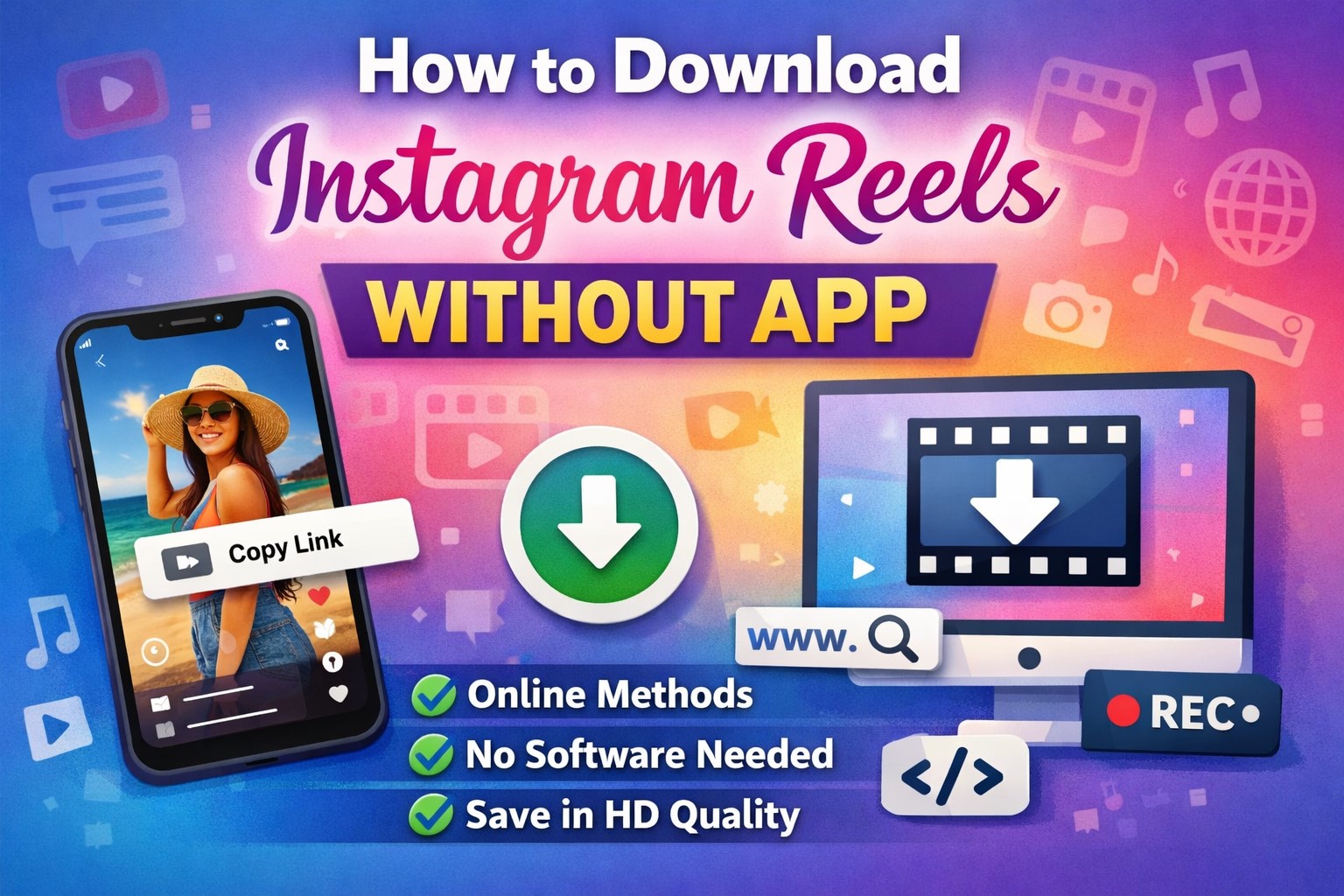
How to Download Instagram Reels Without App
Introduction: How to Download Instagram Reels Without App
In today’s digital world, short-form videos have taken social media by storm, and Instagram Reels is one of the most popular platforms for sharing engaging, creative, and entertaining content. From dance trends and educational snippets to cooking tutorials and travel inspiration, Reels offer something for everyone. However, many users often wish to download these videos for offline viewing, sharing with friends, or saving for future reference.
While Instagram provides a built-in option to save Reels within the app, it does not always allow users to download them directly to their device, especially when they want to access them outside the platform. Fortunately, there are several simple and effective ways to download Instagram Reels without installing any additional applications. This article provides a comprehensive guide on how to do so safely, legally, and efficiently.
Table of Contents
Understanding Instagram Reels
What Are Instagram Reels?
Instagram Reels are short, vertical videos typically lasting between 15 seconds and 90 seconds. They can include music, filters, text overlays, and various creative effects. Reels are designed to entertain, educate, and engage audiences, making them one of the most powerful tools for content creators and businesses.
Why Download Instagram Reels?
There are several reasons why users may want to download Instagram Reels:
- Offline Viewing: Watch videos without needing an internet connection.
- Content Inspiration: Save creative ideas for future projects.
- Educational Purposes: Keep tutorials or informative clips for reference.
- Sharing with Friends: Easily share content on other platforms.
- Archiving: Preserve valuable or memorable content.
Is It Legal to Download Instagram Reels?
Before downloading any content, it’s important to understand the legal and ethical considerations.
Copyright and Ownership
All content on Instagram is protected by copyright laws. The creator owns the rights to their videos, and downloading or redistributing them without permission may violate these rights.
Ethical Usage
To stay compliant:
- Seek Permission: Always ask the creator before reposting their content.
- Give Credit: Acknowledge the original creator when sharing.
- Avoid Commercial Use: Do not use downloaded Reels for profit without authorization.
- Respect Privacy: Do not download private or sensitive content.
Downloading Reels for personal use is generally acceptable, but redistribution should always respect the creator’s rights.
Methods to Download Instagram Reels Without an App
There are several ways to download Instagram Reels without installing third-party applications. Below are the most effective and user-friendly methods.
Method 1: Using Online Reel Downloader Websites
Step-by-Step Guide
- Open Instagram
- Log in to your Instagram account via a web browser or mobile browser.
- Find the Reel
- Navigate to the Reel you wish to download.
- Copy the Reel Link
- Tap the three-dot menu (⋯) and select “Copy Link.”
- Visit an Online Downloader
- Open your browser and search for an Instagram Reel downloader website.
- Paste the Link
- Paste the copied URL into the provided field on the website.
- Download the Video
- Click the Download button and choose the desired video quality.
Advantages
- No installation required.
- Works on both mobile and desktop devices.
- Simple and quick process.
- Usually provides high-quality downloads.
Considerations
- Ensure the website is secure and free from malware.
- Avoid sites with excessive advertisements.
- Respect copyright and privacy rules.
Method 2: Downloading Reels Using Browser Developer Tools (Desktop)
This method is ideal for users who prefer not to rely on third-party websites.
Step-by-Step Instructions
- Open Instagram on a Desktop Browser
- Navigate to the Reel you want to download.
- Open Developer Tools
- Right-click on the page and select Inspect, or press:
- Ctrl + Shift + I (Windows)
- Cmd + Option + I (Mac)
- Right-click on the page and select Inspect, or press:
- Go to the Network Tab
- Refresh the page and filter the results by Media.
- Locate the Video File
- Look for a file with the
.mp4extension.
- Look for a file with the
- Open the Video in a New Tab
- Right-click the file and select Open in new tab.
- Download the Video
- Right-click the video and choose Save Video As.
Benefits
- No third-party tools required.
- Maintains original video quality.
- Secure and private method.
Limitations
- Slightly technical for beginners.
- Works best on desktop browsers.
Method 3: Using the “Save” Feature and Screen Recording
If downloading is not possible, screen recording offers an alternative.
How to Screen Record Reels
On Android
- Open the Reel on Instagram.
- Swipe down to access Quick Settings.
- Tap Screen Recorder.
- Play the Reel and record it.
- Stop the recording and trim the video if necessary.
On iPhone
- Enable Screen Recording from Settings > Control Center.
- Open the Reel.
- Start recording from the Control Center.
- Stop the recording after the video ends.
- Edit the recording to remove unnecessary parts.
Pros and Cons
Pros
- Works for private accounts (with permission).
- No internet tools required.
Cons
- May reduce video quality.
- Audio and visual elements might not be perfect.
- Requires manual editing.
Method 4: Downloading Your Own Instagram Reels
Instagram allows users to download their own Reels directly.
Steps to Download Your Reels
- Open the Instagram app or website.
- Navigate to your profile.
- Select the Reel you want to download.
- Tap the three-dot menu.
- Choose Download or Save to Camera Roll.
When This Option Is Useful
- Backing up your content.
- Reposting on other platforms.
- Editing or repurposing videos.
Method 5: Using Page Source Code
Another advanced method involves accessing the page source.
Steps
- Open the Reel in a desktop browser.
- Right-click and select View Page Source.
- Press Ctrl + F and search for
.mp4. - Copy the video URL.
- Paste it into a new tab.
- Right-click and select Save Video As.
Advantages
- No third-party services.
- Maintains original video quality.
- Secure and efficient.
Tips for Safe and Efficient Downloading
1. Use Trusted Websites
Always choose reputable online downloader websites to avoid malware or phishing attempts.
2. Check Video Quality
Select the highest available resolution for the best viewing experience.
3. Respect Copyright Laws
Use downloaded content only for personal purposes unless you have explicit permission from the creator.
4. Avoid Excessive Ads
Some downloader sites may contain intrusive advertisements; consider using an ad blocker.
5. Keep Your Device Secure
Ensure your browser and antivirus software are up to date.
Common Issues and Troubleshooting
1. Unable to Copy the Reel Link
- Ensure the Reel is public.
- Update your browser or Instagram app.
2. Download Button Not Working
- Try a different downloader website.
- Clear browser cache and cookies.
3. Poor Video Quality
- Choose HD quality if available.
- Avoid screen recording when possible.
4. Private Account Restrictions
- Respect privacy settings and obtain permission before downloading.
Benefits of Downloading Instagram Reels
Offline Access
Downloaded Reels can be watched anytime without an internet connection.
Content Repurposing
Creators can reuse their videos across multiple social media platforms.
Educational Reference
Students and professionals can save tutorials and informative clips for future use.
Easy Sharing
Downloaded videos can be shared via messaging apps or email.
Ethical and Responsible Use
Giving Proper Credit
When reposting a downloaded Reel, always mention the original creator’s username.
Avoiding Misuse
Do not alter or misrepresent the content in a way that could harm the creator’s reputation.
Respecting Community Guidelines
Ensure that your use of downloaded content aligns with Instagram’s terms of service.
Comparison of Methods
| Method | Ease of Use | Video Quality | Requires Technical Knowledge | Best For |
|---|---|---|---|---|
| Online Downloader | Very Easy | High | No | Quick downloads |
| Developer Tools | Moderate | High | Yes | Privacy-conscious users |
| Screen Recording | Easy | Medium | No | Private or restricted content |
| Download Own Reels | Very Easy | High | No | Personal content |
| Page Source | Moderate | High | Yes | Advanced users |
Frequently Asked Questions (FAQs)
1. Is it safe to download Instagram Reels without an app?
Yes, it is safe if you use trusted websites or built-in browser methods. Always avoid suspicious sites and respect copyright laws.
2. Can I download Reels from private accounts?
You can only download Reels from private accounts if you have permission and access. Screen recording is typically the only viable method.
3. Will the downloaded Reel include a watermark?
Some online tools remove watermarks, while others may retain them. Downloading your own Reels usually results in no watermark.
4. Is it legal to repost downloaded Instagram Reels?
Reposting is legal only if you have the creator’s permission and provide proper credit. Commercial use requires explicit authorization.
5. Can I download Instagram Reels in HD quality?
Yes, most online downloader websites and browser methods allow downloads in the original HD quality, depending on the source.
6. Do I need to log in to Instagram to download Reels?
No, most online downloader websites do not require login credentials. Avoid sites that ask for your Instagram username or password.
Conclusion
Instagram Reels have become a powerful medium for entertainment, education, and creative expression. While Instagram does not always provide a direct option to download Reels, several effective methods allow users to save their favorite videos without installing any additional applications. From using online downloader websites and browser developer tools to screen recording and downloading your own content, each method offers unique advantages tailored to different user needs.
When downloading Instagram Reels, it is essential to prioritize safety, respect copyright laws, and use the content ethically. By following the guidelines and step-by-step instructions outlined in this article, you can easily and securely download Instagram Reels for personal use.
Whether you are a content creator seeking inspiration, a student saving educational material, or simply someone who enjoys watching videos offline, these techniques provide convenient and reliable solutions. With responsible usage, downloading Instagram Reels without an app can enhance your overall social media experience while supporting and respecting the creators behind the content.
About the Author